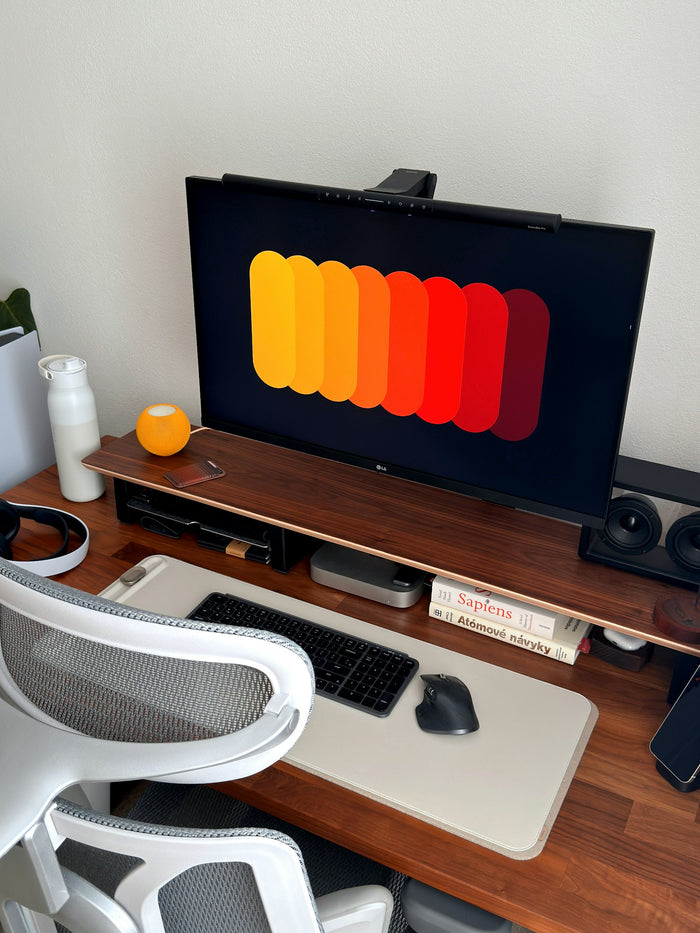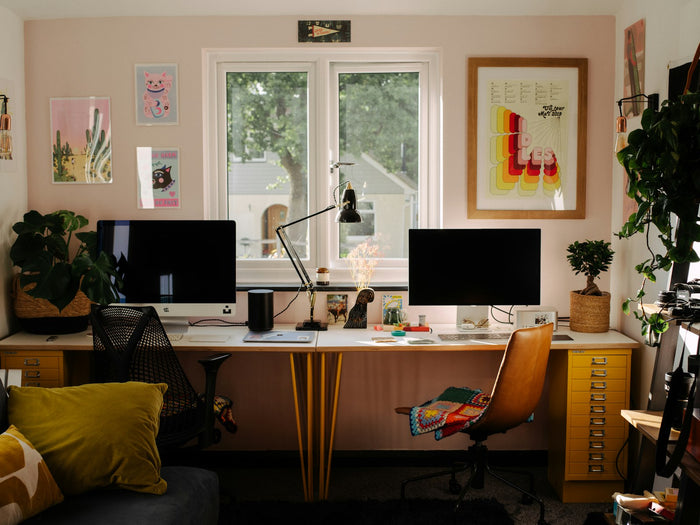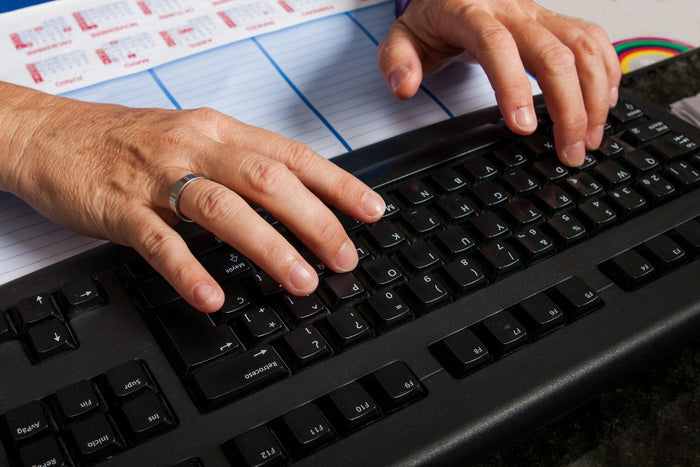
Monitor height is one of the most common things people get wrong at a desk — and one of the fastest to fix. Here's a 30-second way to check yours.
The 30-second test
Sit normally, look straight ahead without tilting your head, and notice where your eyes naturally land on the screen. If they land above the top third of your monitor, it's too low. If you have to tilt your chin up to see the top of the screen, it's too high.
- Top of the screen should sit at or slightly below eye level
- The whole monitor should tilt back slightly, not face you dead-on
- Distance should be roughly an arm's length away
What to do if your monitor sits too low
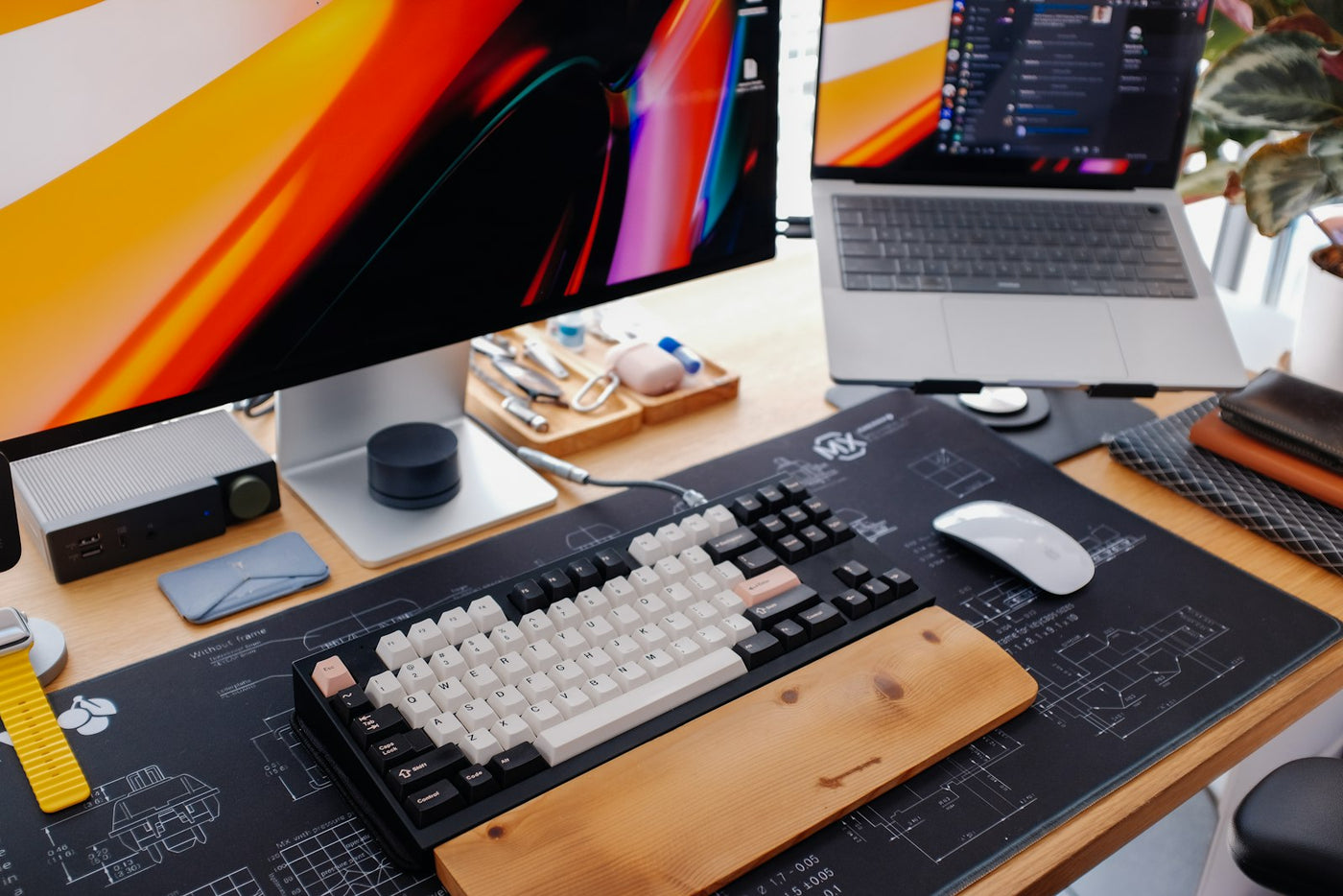
A monitor riser or stand is usually the simplest fix — it's a one-time adjustment rather than something you have to remember to correct with posture. If you use a laptop as your main screen, pairing a laptop stand with an external keyboard achieves the same result without buying a new monitor.